
Last updated: July 2026 | A practical guide to better meeting notes, action items, follow-ups, client meetings, project meetings, brainstorms, and Dingbats* notebooks for work
Most meeting notes are not bad because people write too little.
They are bad because they write the wrong things.
A page full of discussion can look productive, but if you cannot tell what was decided, who needs to do what, and what happens next, the notes are not helping you.
Good meeting notes are not a transcript.
They are a working record.
They capture the purpose of the meeting, the most important points, the decisions made, the action items assigned, the questions still open, and the follow-ups that need to happen afterward.
That is what makes them useful.
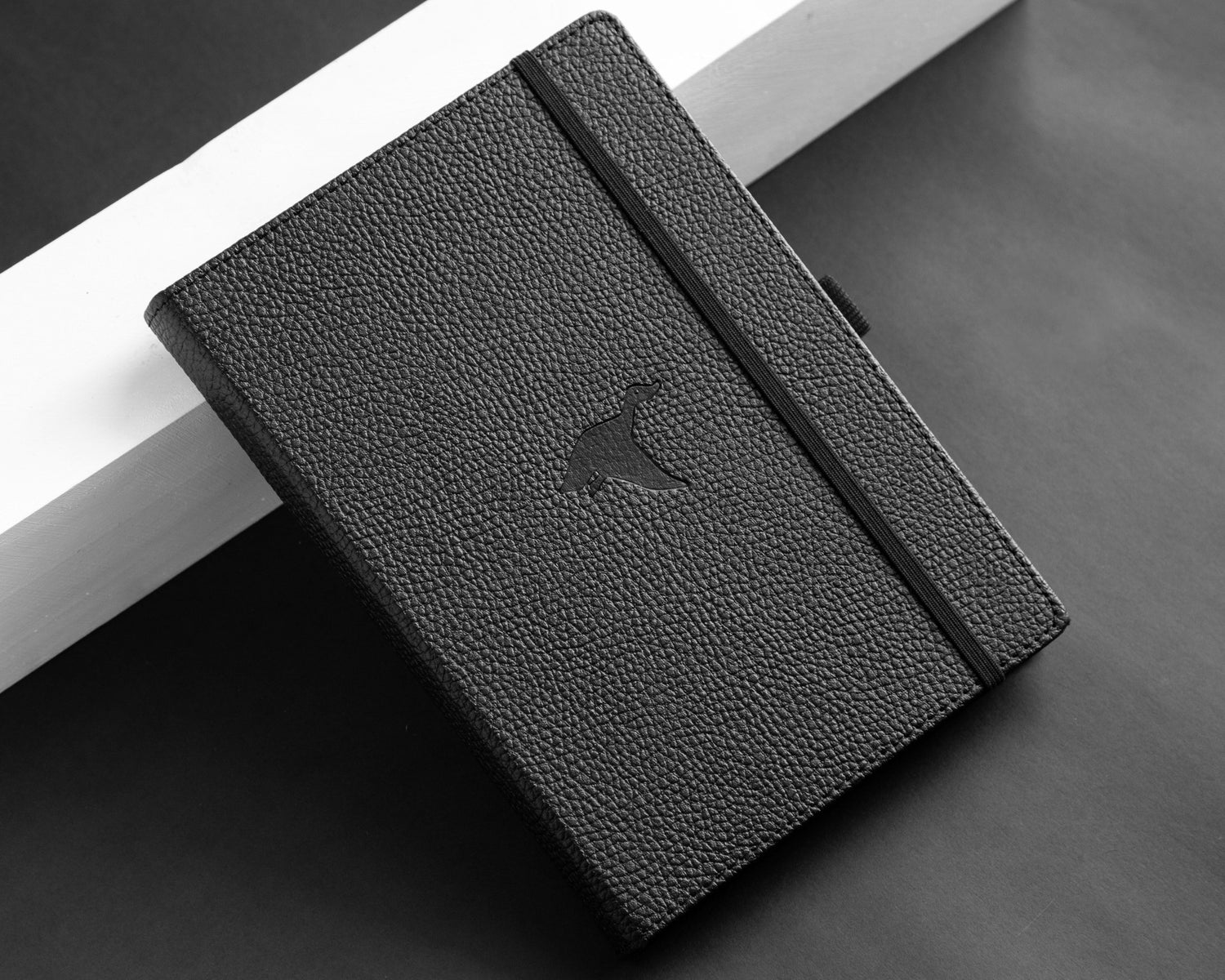
At Dingbats*, we believe a work notebook should help you leave a meeting with more clarity than you entered with. The Wildlife Collection is ideal for flexible meeting notes, client conversations, observations, and summaries. The Earth Collection works beautifully for structured meeting templates, action items, follow-up lists, project pages, and weekly work systems. The Pro Collection is perfect for brainstorms, creative meetings, sketches, moodboards, diagrams, and visual planning.
Better meeting notes do not need to be complicated. They just need to answer one simple question:
What matters after this meeting ends?
Quick Overview: Better Meeting Notes System
| Meeting Need | What to Capture | Best Dingbats* Fit |
|---|---|---|
| Team meeting | Key points, decisions, next steps | Earth or Wildlife Collection |
| Client meeting | Requests, preferences, concerns, follow-ups | Wildlife Collection |
| Project meeting | Status, blockers, owners, deadlines | Earth Collection |
| Brainstorm | Ideas, sketches, themes, possibilities | Pro Collection |
| One-to-one meeting | Feedback, priorities, support, action points | Wildlife Collection |
| Weekly check-in | Progress, open tasks, next priorities | Earth Collection |
| Creative review | Notes, revisions, visual direction | Pro Collection |
The best meeting notes are not the longest ones. They are the ones you can use later.
Why Most Meeting Notes Are Hard to Use Later
Meeting notes often fail for one of three reasons.
They are too vague.
They are too long.
Or they do not separate discussion from action.
A page might include everything people said, but not what was agreed. Another page might capture interesting ideas, but not who is responsible for the next step. Another might have a list of tasks, but no context for why they matter.
That creates a problem after the meeting. You return to the notes and still have to figure out:
What did we decide?
What is still open?
Who owns this?
What needs to happen next?
What was the actual point of the meeting?
A better meeting notes system solves this by giving every page a clear structure. You do not need to write more. You need to write with purpose.

What Good Meeting Notes Should Capture
Good meeting notes should make the meeting useful after it is over.
They should capture enough context to understand what happened, but not so much that the important parts get buried.
A Strong Meeting Notes Page Includes
| Section | Why It Matters |
|---|---|
| Meeting title | Helps you find the page later |
| Date | Gives the notes context |
| Attendees | Shows who was involved |
| Purpose | Clarifies why the meeting happened |
| Key discussion points | Captures the main conversation |
| Decisions | Records what was agreed |
| Action items | Shows who needs to do what |
| Questions | Keeps unresolved points visible |
| Follow-ups | Turns the meeting into next steps |
This structure works because it separates the meeting into useful parts. Not everything said needs to become a note. But every decision, action, and follow-up should be easy to find.
The Simple Meeting Notes Template
Use this template whenever you need a clean, repeatable meeting notes system.
Meeting Notes Template
| Section | Notes |
|---|---|
| Meeting | |
| Date | |
| People | |
| Purpose | |
| Key points | |
| Decisions | |
| Action items | |
| Questions | |
| Follow-ups |
This template is simple enough to use in almost any meeting.
For a quick meeting, each section may only need one line. For a larger meeting, you can give each section more space.
The Earth Collection is especially useful for this kind of structured template because it supports organized layouts, lists, trackers, and repeated work systems.
The Wildlife Collection is better if you want a more flexible page, where the meeting can flow naturally but still end with decisions and next steps.
The Most Important Line on the Page
At the end of every meeting, write this question:
What happens next?
This is the line that turns notes into action.
A meeting can include useful discussion, interesting ideas, and thoughtful conversation, but if the next step is unclear, the work can still stall.
What Happens Next? Examples
| Meeting Type | Next Step Example |
|---|---|
| Client meeting | Send updated quote by Friday |
| Design review | Revise hero image and resubmit options |
| Project meeting | Confirm final deadline with supplier |
| Team meeting | Share revised content calendar |
| Creative brainstorm | Choose three concepts to develop |
| Sales meeting | Follow up with customer on product availability |
This question keeps the meeting grounded.
It also makes your notes much easier to act on later.
How to Write Decisions Clearly
A decision should be written in a way that removes doubt.
Avoid vague notes like:
- “Discussed pricing”
- “Talked about launch”
- “Maybe update design”
- “Need to check options”
- “Client prefers new direction”
These notes may make sense in the moment, but they are hard to use later. Instead, write decisions clearly.
Vague vs Clear Meeting Decisions
| Vague Note | Clear Decision |
|---|---|
| Discussed pricing | Final price will remain £19.99 for launch |
| Talked about launch | Launch date confirmed for 15 August |
| Update design | Designer will revise the main image with lifestyle direction |
| Client prefers new direction | Client approved blind debossing on front bottom middle |
| Need more options | Team will prepare three alternative concepts by Monday |
A clear decision should answer:
What was decided?
Who agreed?
What does it affect?
What happens because of it?
The goal is not to write beautifully.
The goal is to remove confusion.
How to Track Action Items
Action items are the tasks that come out of a meeting.
They should be specific enough that someone can actually complete them.
A weak action item sounds like:
“Follow up.”
A strong action item sounds like:
“Tara to send revised product list to designer by Thursday.”
Action Item Template
| Action Item | Owner | Due Date | Status |
|---|---|---|---|
This format works because it answers the four most important questions:
What needs to be done?
Who is responsible?
When is it due?
Has it been completed?
Action Item Examples
| Action Item | Owner | Due Date | Status |
|---|---|---|---|
| Send updated mockup to client | Veronika | Thursday | Open |
| Confirm product availability | Tara | Today | Open |
| Prepare email draft | Marketing team | Friday | In progress |
| Review supplier quote | Operations | Monday | Waiting |
| Share meeting recap | Tara | End of day | Open |
The Earth Collection works well for action items because its structured style makes lists, owners, deadlines, and statuses easy to organize.

How to Create a Follow-Up List
Follow-ups are different from action items. An action item is something someone needs to do. A follow-up is something you need to check, send, confirm, chase, or revisit. This is where many meetings fall apart. People remember the main task but forget the follow-up that keeps the work moving.
Follow-Up List Template
| Follow-Up | With Whom | When | Notes |
|---|---|---|---|
Use a follow-up list for:
- emails to send
- approvals to confirm
- samples to chase
- customer replies
- internal updates
- supplier timelines
- missing information
- documents to review
- files to share
- decisions waiting on someone else
Follow-Up Examples
| Follow-Up | With Whom | When | Notes |
|---|---|---|---|
| Confirm delivery date | Supplier | Tomorrow | Needed before quote is finalized |
| Send revised design | Client | Friday | Include three options |
| Check stock levels | Warehouse | Today | Blue Whale A5 dotted |
| Ask for missing logo file | Customer | This week | Need vector format |
| Confirm email launch date | Team | Monday | Before campaign build |
A follow-up list helps you keep momentum after the meeting ends. It also prevents small loose ends from becoming bigger delays.
Client Meeting Notes Template
Client meetings need a slightly different structure because they often include preferences, expectations, concerns, and next steps.
For client meetings, your notes should capture not only what was discussed, but what the client cares about.
Client Meeting Template
| Section | Notes |
|---|---|
| Client / Company | |
| Date | |
| Contact person | |
| Meeting purpose | |
| Client goals | |
| Preferences | |
| Concerns or questions | |
| Products / services discussed | |
| Decisions | |
| Action items | |
| Follow-ups |
This kind of page is especially useful for custom orders, partnerships, B2B inquiries, wholesale conversations, product requests, and customer-specific projects.
The Wildlife Collection works well for client notes because it gives you flexible space to record tone, details, preferences, and observations.
The Earth Collection works better if you want a structured client tracking system.
Project Meeting Notes Template
Project meetings need clarity. They should show what is moving, what is stuck, and what needs attention next.
Project Meeting Template
| Section | Notes |
|---|---|
| Project | |
| Date | |
| Current status | |
| Progress since last meeting | |
| Decisions made | |
| Blockers | |
| Action items | |
| Owners | |
| Deadlines | |
| Next review date |
A project meeting page should make it easy to understand the project’s current position.
Ask:
What changed since the last meeting?
What is blocking progress?
What needs a decision?
Who owns the next step?
When do we check again?
The Earth Collection is the strongest fit for project meeting notes because it supports structured planning, deadlines, owners, and recurring reviews.
Team Meeting Notes Template
Team meetings often include updates, priorities, issues, and shared decisions. The key is to separate updates from action.
Team Meeting Template
| Section | Notes |
|---|---|
| Team / Department | |
| Date | |
| Updates | |
| Priorities | |
| Issues | |
| Decisions | |
| Action items | |
| Follow-ups |
A team meeting page should help everyone understand:
What is happening?
What matters this week?
What needs support?
What did we decide?
What happens next?
This is especially useful for weekly meetings because it creates a record of progress over time.
Brainstorm Meeting Notes Template
Brainstorms are different from normal meetings. The goal is not only to leave with decisions. The goal is to explore possibilities.
That means your notes should leave space for rough ideas, sketches, themes, phrases, and connections.
The Pro Collection is ideal for brainstorms because its 160gsm mixed media paper supports visual notes, sketches, mind maps, layouts, moodboards, brush pens, markers, and creative planning.

Brainstorm Template
| Section | Notes |
|---|---|
| Topic | |
| Goal | |
| Raw ideas | |
| Strongest themes | |
| Visual directions | |
| Questions | |
| Ideas to develop | |
| Next steps |
Brainstorm Page Ideas
| Page Style | Use |
|---|---|
| Mind map | Connect ideas around one theme |
| Sketch grid | Draw multiple quick concepts |
| Moodboard notes | Capture visual direction |
| Hook list | Generate headlines, angles, or campaign ideas |
| Concept ranking | Choose ideas worth developing |
| Next-step page | Turn brainstorm into action |
A brainstorm note should not be too neat too early.
It should give ideas room to appear before they are judged.
One-to-One Meeting Notes Template
One-to-one meetings often involve feedback, goals, support, development, or personal updates.
These notes should be respectful, clear, and useful for continuity.
One-to-One Template
| Section | Notes |
|---|---|
| Person | |
| Date | |
| Main topics | |
| Wins | |
| Challenges | |
| Support needed | |
| Feedback | |
| Action items | |
| Next check-in |
The Wildlife Collection is a good fit for one-to-one notes because it allows more natural writing and reflection.
The Earth Collection is useful if you want to track recurring goals, progress, and next steps.
How to Use Symbols Without Overcomplicating Notes
A few simple symbols can make meeting notes easier to scan. Do not create a complicated code you will forget. Use only what helps.
Simple Meeting Note Symbols
| Symbol | Meaning |
|---|---|
| □ | Action item |
| → | Follow-up |
| ! | Important |
| ? | Question |
| ✓ | Completed |
| ★ | Key decision |
Example:
★ Launch date confirmed for 15 August
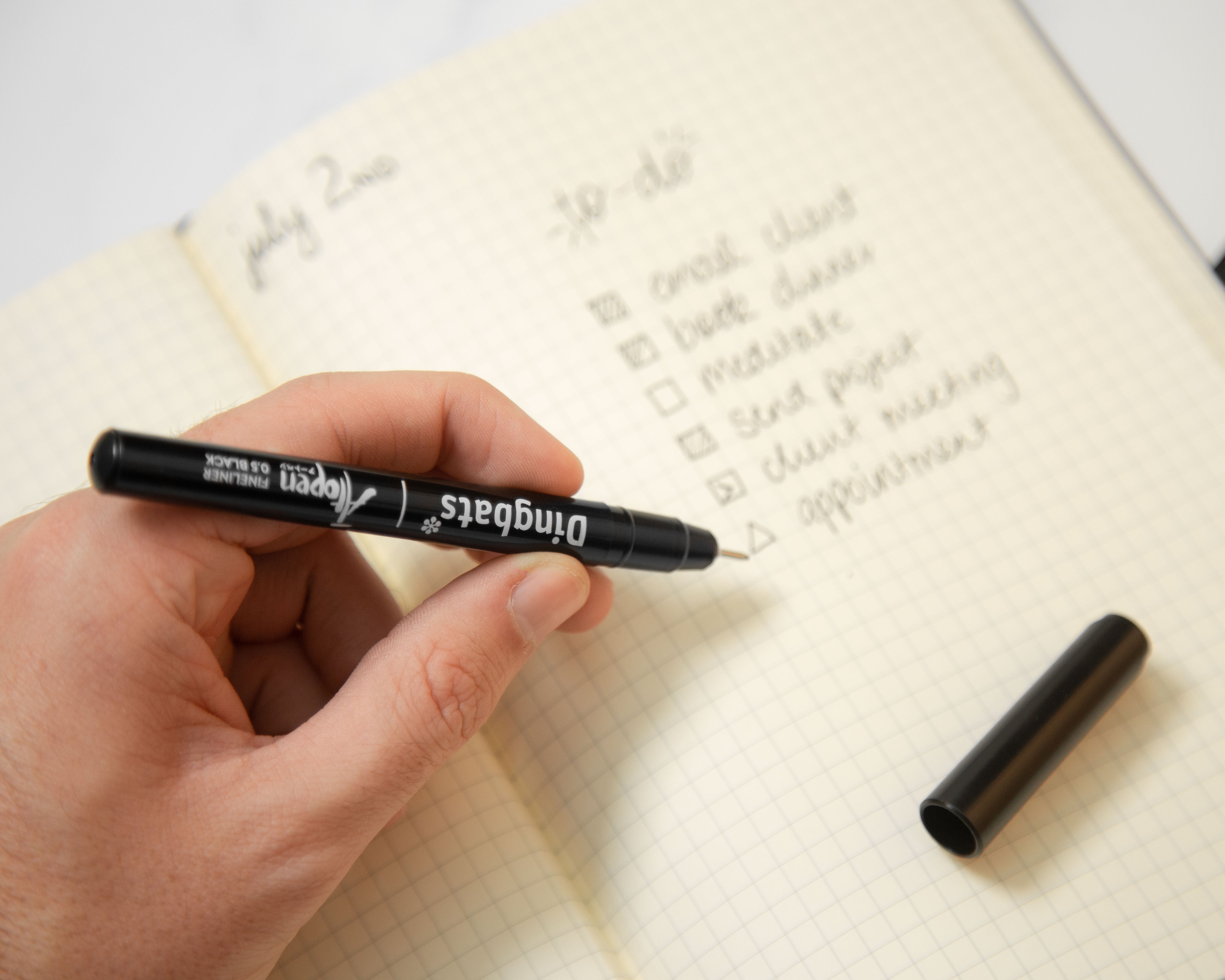
□ Tara to send final copy by Friday
→ Follow up with supplier on delivery timeline
? Need confirmation on UK stock
Symbols help you scan the page quickly after the meeting.
They also make action items easier to find.

How to Review Meeting Notes After the Meeting
Meeting notes become much more useful when you review them quickly.
This does not need to take long.
After the meeting, take two minutes to clean up the page.
Two-Minute Meeting Notes Review
| Step | What to Check |
|---|---|
| 1 | Circle or mark decisions |
| 2 | Highlight action items |
| 3 | Add missing owners or deadlines |
| 4 | Move follow-ups to your follow-up list |
| 5 | Write the next step clearly |
This short review helps prevent the notes from becoming passive.
It turns them into a working tool.
How to Organize Meeting Notes in a Notebook
There are a few simple ways to organize meeting notes.
Choose the method that fits your work.
Option 1: Chronological Notes
Write every meeting in order by date.
Best for people who want a simple, natural system.
Pros:
- easy to start
- no setup required
- works for mixed meeting types
Best Dingbats* fit: Wildlife Collection
Option 2: Meeting Type Sections
Divide your notebook into sections:
- client meetings
- project meetings
- team meetings
- brainstorms
- follow-ups
Pros:
- easier to find specific meeting types
- useful if you handle many recurring meetings
Best Dingbats* fit: Earth Collection
Option 3: Project-Based Notes
Keep all notes for one project together.
Pros:
- excellent for project continuity
- decisions and follow-ups stay connected
- easier to review project history
Best Dingbats* fit: Earth Collection
Option 4: Visual Meeting Notes
Use sketches, diagrams, arrows, mind maps, and visual layouts.
Pros:
- ideal for brainstorms and creative meetings
- useful for design, marketing, product, and strategy work
Best Dingbats* fit: Pro Collection
The best system is the one you can maintain when work gets busy.
Best Dingbats* Notebook for Meeting Notes
Different meetings need different page styles.
| Meeting Style | Best Dingbats* Fit | Why |
|---|---|---|
| Flexible everyday meetings | Wildlife Collection | Open space for notes, summaries, and observations |
| Structured project meetings | Earth Collection | Useful for action items, timelines, trackers, and follow-ups |
| Client meetings | Wildlife Collection | Flexible for preferences, context, and conversation notes |
| Weekly team meetings | Earth Collection | Good for recurring sections and repeated templates |
| Creative brainstorms | Pro Collection | 160gsm mixed media paper supports sketches and visual planning |
| Strategy sessions | Wildlife or Pro Collection | Choose written or visual thinking |
| One-to-ones | Wildlife Collection | Natural space for thoughtful notes and continuity |
Meeting Notes Mistakes to Avoid
Better meeting notes are often about what you stop doing.
Common Meeting Notes Mistakes
| Mistake | Better Approach |
|---|---|
| Writing everything | Capture key points, decisions, and actions |
| Missing owners | Assign each action to a person |
| No deadlines | Add dates wherever possible |
| Mixing ideas and decisions | Separate raw discussion from confirmed outcomes |
| Forgetting follow-ups | Keep a follow-up section |
| Not reviewing notes | Spend two minutes after the meeting |
| Using vague wording | Write decisions clearly |
| Letting pages become messy | Use the same simple template each time |
Meeting notes should make work easier after the meeting.
If they do not, simplify the system.
Meeting Notes Prompts
Use these prompts when you want to make your notes more useful.
| Prompt | Why It Helps |
|---|---|
| Why are we meeting? | Clarifies purpose |
| What was decided? | Captures outcome |
| What needs to happen next? | Creates direction |
| Who owns each action? | Builds accountability |
| What is still unclear? | Keeps questions visible |
| What deadline matters? | Adds urgency |
| What needs follow-up? | Prevents loose ends |
| What should I remember later? | Captures context |
| What changed because of this meeting? | Identifies importance |
| What can be ignored? | Reduces clutter |
The best meeting notes do not capture everything. They capture what changes the work.
Frequently Asked Questions
How do I take better meeting notes?
Use a clear structure. Capture the meeting purpose, key points, decisions, action items, owners, deadlines, questions, and follow-ups. Do not try to write everything people say.
What should meeting notes include?
Meeting notes should include the date, meeting title, attendees, purpose, main discussion points, decisions, action items, owners, deadlines, questions, and follow-ups.
What is the best meeting notes template?
A simple meeting notes template includes: meeting title, date, people, purpose, key points, decisions, action items, questions, and follow-ups.
How do I write action items in meeting notes?
Write each action item with a clear task, owner, deadline, and status. For example: “Tara to send revised copy by Friday.”
What is the best notebook for meeting notes?
The Dingbats* Wildlife Collection is best for flexible meeting notes and client conversations. The Earth Collection is best for structured meetings, action items, project pages, and follow-ups. The Pro Collection is best for creative brainstorms and visual planning meetings.
How do I organize meeting notes in a notebook?
You can organize meeting notes chronologically, by meeting type, by project, or visually. Choose the method that makes it easiest to find decisions and follow-ups later.
Our Verdict
Better meeting notes are not about writing more. They are about capturing what matters.
A useful meeting page tells you why the meeting happened, what was discussed, what was decided, who owns the next step, and what needs follow-up. It gives the meeting a clear afterlife instead of letting everything disappear once the conversation ends, and Dingbats* notebooks support different meeting styles.

Leave a comment
All comments are moderated before being published.
This site is protected by hCaptcha and the hCaptcha Privacy Policy and Terms of Service apply.