

Taking notes at work sounds simple until you need to find something important.
You remember discussing a deadline, but not exactly when it was agreed. You wrote down feedback during a meeting, but cannot find the page. You have a long list of notes, yet you are still unsure what needs to happen next.
The problem is not always how much you write. Sometimes, it is how you take notes in the first place.
Good work notes should help you capture information, understand decisions, organize ideas, and turn conversations into action. They should be easy to write in the moment and easy to understand when you return to them.
Whether you are managing projects, attending meetings, brainstorming campaigns, or juggling daily responsibilities, the right note-taking method can make your workday feel more manageable.
Here are seven practical methods to try, along with examples of when each one works best.
Why Effective Note-Taking Matters at Work
Most workdays involve a constant flow of information. Meetings introduce new priorities. Conversations lead to decisions. Projects generate feedback, questions, and deadlines.
Without a reliable way to capture these details, even important information can become difficult to retrieve. Effective note-taking helps you create a written record of what happened and what needs to happen next. It can also make meetings more purposeful. Instead of trying to remember every detail, you can concentrate on understanding the discussion and capturing the information that matters.
The goal is not to write everything down. It is to write down what you will need later.
1. The Cornell Method: Best for Detailed Meetings and Learning
The Cornell note-taking method divides a page into three areas: a large section for notes, a smaller column for cues or questions, and a summary at the bottom. It is especially useful when a meeting contains a lot of information or when you need to revisit what you have learned.
How to Set Up Your Page
| Section | What to Write |
|---|---|
| Main notes | Important discussion points, examples, explanations |
| Cue column | Keywords, questions, action reminders |
| Bottom summary | Main takeaways and decisions |
During the meeting, focus on the main notes section. Afterward, add keywords or questions in the left column and summarize the most important points.
For example, during a product development meeting, you might record proposed features in the main area, write questions about manufacturing or pricing in the cue column, and summarize the agreed direction at the bottom.
Best for: Detailed meetings, training sessions, professional development, research, and presentations.
2. The Outline Method: Best for Organized Discussions
The outline method organizes information using headings, subheadings, and indented points.
It works particularly well when a meeting has a clear agenda or when information follows a logical sequence.
Example: Marketing Campaign Meeting
Campaign: Autumn Product Launch
1. Campaign objectives
- Introduce the new product
- Build awareness
- Encourage early purchases
2. Marketing channels
- Email marketing
- Social media
- Website banners
- Creator partnerships
3. Next steps
- Finalize photography
- Approve campaign copy
- Confirm launch dates
The advantage of this method is its simplicity. You can quickly distinguish the main subject from supporting details. It also makes longer notes easier to scan.
Best for: Team meetings, campaign planning, presentations, strategy discussions, and training.
Make use of the Tab Key and Future Log features found in the Dingbats* Earth Collection.

3. The Mapping Method: Best for Brainstorming and Complex Ideas
Not every work conversation follows a neat structure.
Brainstorming meetings often jump between ideas, possibilities, problems, and potential solutions. Trying to capture everything in a traditional list can make relationships between ideas harder to see.
The mapping method uses a central topic with branches extending toward related ideas.
For example, if the central topic is New Product Launch, the surrounding branches might include:
- Product development
- Photography
- Influencer partnerships
- Website content
- Email campaigns
- Launch timeline
You can then add smaller branches for tasks, ideas, deadlines, or concerns.
This method is particularly useful when you want to understand how different parts of a project connect.
Best for: Brainstorming, strategy sessions, creative projects, problem-solving, and concept development.

4. The Charting Method: Best for Comparing Information
Some meetings involve information that is easier to understand side by side.
Perhaps you are comparing suppliers, evaluating product concepts, reviewing campaign ideas, or discussing several possible approaches.
Instead of writing long paragraphs, divide the page into columns.
Example: Comparing Project Options
| Option | Advantages | Concerns | Next Step |
|---|---|---|---|
| Option A | Lower cost | Longer lead time | Request updated quote |
| Option B | Faster delivery | Higher cost | Review budget |
| Option C | More flexibility | Requires testing | Order sample |
This layout makes differences immediately visible. It also helps prevent important considerations from getting buried in paragraphs. The charting method works best when you already know what information you need to compare.
Check out the Dingbats* Wildlife Collection to create your own layouts!
Best for: Supplier comparisons, product evaluations, campaign reviews, budgeting discussions, and decision-making meetings.

5. The Boxing Method: Best for Meetings With Multiple Topics
The boxing method divides a notebook page into separate visual sections.
Each box contains information related to one subject. For example, during a weekly team meeting, you might create four boxes:
| Project Updates | Questions |
|---|---|
| Progress, completed work, upcoming milestones | Information to clarify, unresolved concerns |
| Decisions | Action Items |
|---|---|
| What was approved or changed | Tasks, owners, and deadlines |
The benefit is that each category has a dedicated place.
This can make your notes easier to scan when you are trying to find a decision or follow-up.
Best for: Weekly meetings, project updates, team check-ins, and discussions covering several subjects.

6. The Sentence Method: Best for Fast-Paced Meetings
Sometimes meetings move too quickly for careful page organization. The sentence method is one of the simplest ways to keep up. Write each new point on a separate line. You can number the statements or use short symbols to distinguish them.
Example
- Photography assets expected by Thursday.
- Product descriptions need final approval.
- Website banner will go live next week.
- Customer support team needs updated product information.
- Final launch checklist to be reviewed on Friday.
This method prioritizes speed and straightforward capture. The limitation is that it can become difficult to review if every line looks equally important. To improve it, underline decisions, star urgent items, and transfer action points to a short summary after the meeting.
Best for: Fast discussions, interviews, calls, conferences, and meetings where the agenda changes frequently.
7. The Action-Oriented Method: Best for Decisions and Follow-Ups
For many professionals, the most useful notes are not the ones that capture the most information. They are the ones that make the next steps obvious. The action-oriented method separates a meeting into three categories: key information, decisions, and actions.
Example: Weekly Project Meeting
| Category | Notes |
|---|---|
| Key information | New product photography is nearly complete |
| Decisions | Launch will use the revised image sequence |
| Action items | Marketing team to approve copy by Friday |
| Open questions | Are all product variants ready? |
This structure is especially useful for managers, founders, marketers, and people responsible for coordinating projects.
It reduces the need to reread an entire meeting transcript just to understand what was agreed.
Best for: Project meetings, management discussions, client calls, team check-ins, and operational planning.
Which Note-Taking Method Should You Use?
There is no single method that works for every meeting. The best approach depends on the kind of information you are capturing.
| Note-Taking Method | Best Use |
|---|---|
| Cornell | Detailed discussions and learning |
| Outline | Structured meetings and presentations |
| Mapping | Brainstorming and creative thinking |
| Charting | Comparing information and options |
| Boxing | Meetings with multiple subjects |
| Sentence | Fast-paced conversations |
| Action-oriented | Decisions, responsibilities, and follow-ups |
You can also combine methods.
The most effective method is the one you can use comfortably and return to without confusion.
How to Make Your Work Notes More Useful
Choosing a note-taking method is only the beginning. A few simple habits can make your notebook significantly more practical.
Always Include the Date and Meeting Title
Start each page with the date and a clear heading. Instead of writing “Meeting Notes,” use a more specific title such as “October Product Launch Review” or “Weekly Marketing Team Meeting.” When you return to your notebook later, a clear title gives you immediate context.
Separate Decisions From Discussion
A meeting may include many ideas, but not all of them become decisions. Make approved directions clearly distinguishable from suggestions still under consideration. You can use a box, underline, or simple D symbol to mark decisions.
Record Responsibilities and Deadlines
“Update the product page” is useful, but incomplete.
“Design team to update the product page by Thursday” is far more actionable.
Whenever possible, record who is responsible and when the action is expected.
Leave Space for Follow-Ups
Avoid filling every available line. Leaving a small margin or space beneath a section allows you to add clarifications, updates, and follow-up questions later.
Review Notes Before the Next Meeting
Before your next meeting, look over the previous notes. Check which tasks were completed, which questions remain unresolved, and whether any decisions need revisiting. This helps conversations move forward rather than repeat themselves.
How to Organize Work Notes in a Notebook
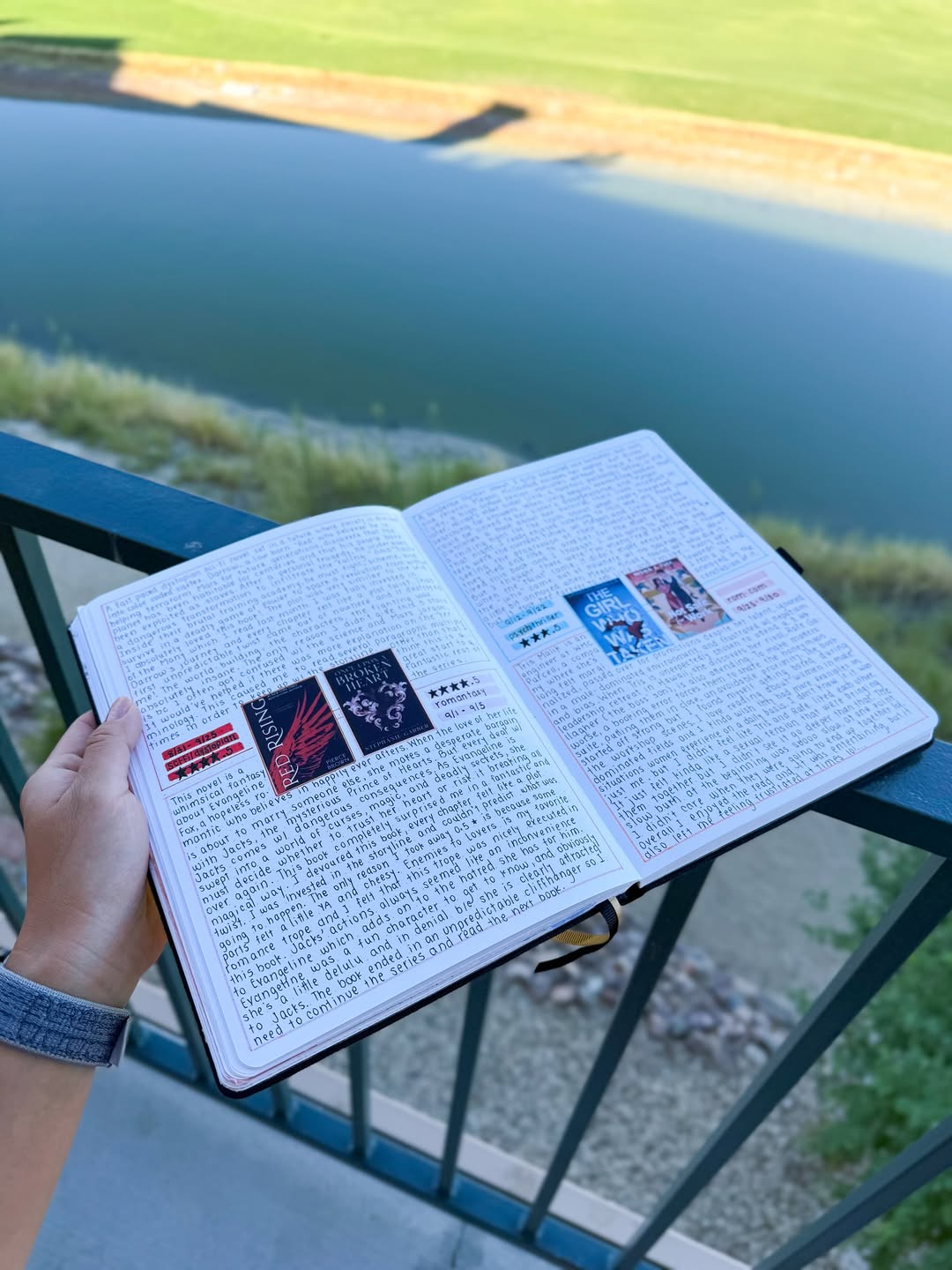
If you regularly attend meetings or manage several projects, finding information again becomes just as important as capturing it. One simple approach is to use a continuous notebook with dated entries and an index.
For example:
| Page | Topic |
|---|---|
| 4 | Weekly Team Meeting |
| 8 | Product Launch Discussion |
| 13 | Supplier Meeting |
| 18 | Campaign Review |
| 24 | Quarterly Planning |
You can also create a simple symbol system:
| Symbol | Meaning |
|---|---|
| □ | Task |
| ✓ | Completed |
| ★ | Important |
| ? | Question |
| → | Follow-up |
| ! | Decision or key insight |
Keep your symbols consistent and easy to remember. The purpose is to make notes easier to use, not to create additional work.

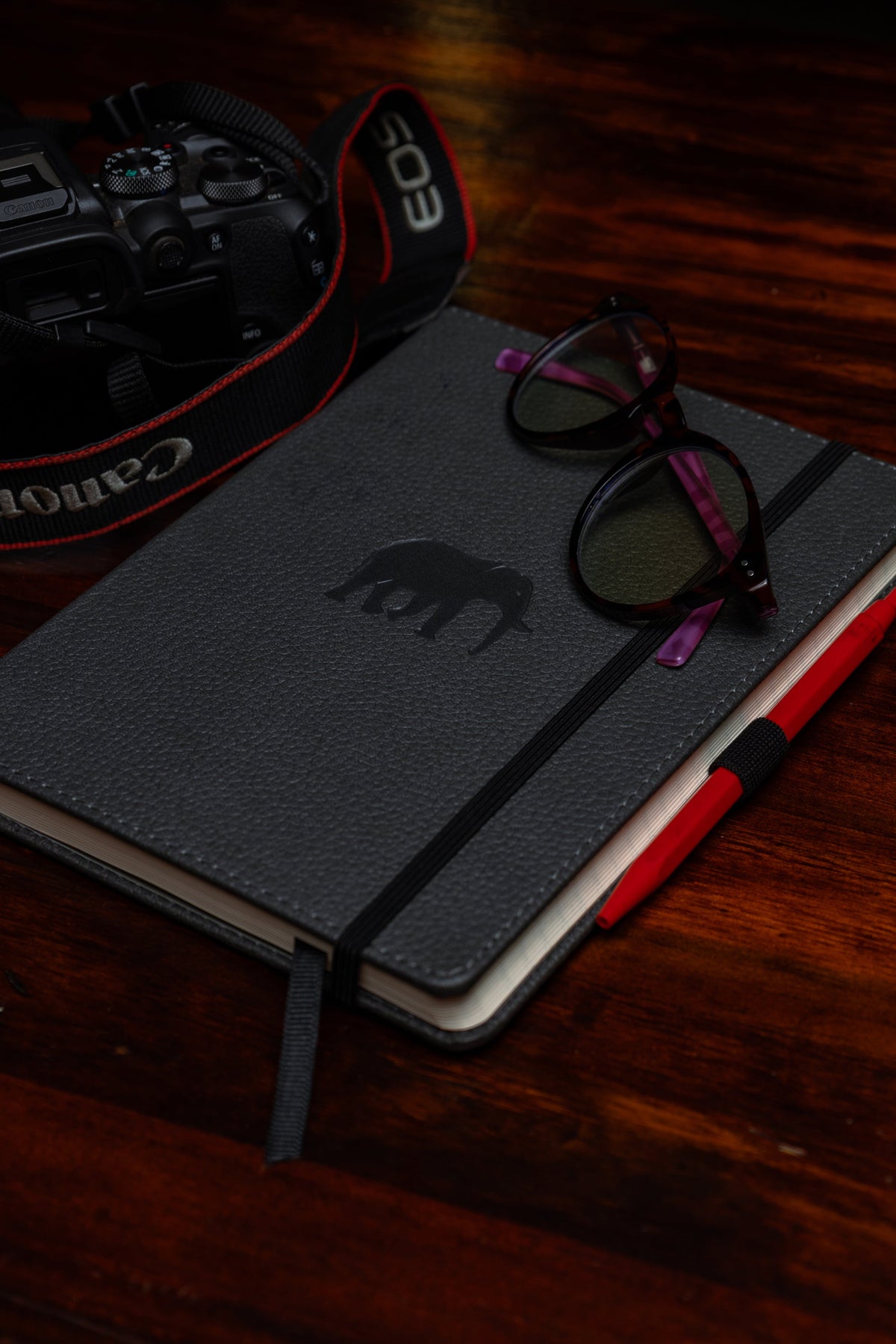
Choosing the Right Notebook for Work Notes
Your notebook should suit the way you work.
Paper quality also matters, particularly if you take extensive notes throughout the day.
A smooth, substantial page helps create a comfortable writing experience, while a cover that holds up to frequent handling makes the notebook more practical for everyday use.
Which Dingbats* Collection Fits Your Work?
| Collection | Best For |
|---|---|
| Wildlife Collection | Everyday meeting notes, quick ideas, professional journaling, and flexible note-taking |
| Earth Collection | Organized work notes, project tracking, structured layouts, and indexed information |
| Pro Collection | Creative brainstorming, diagrams, sketches, design concepts, and visual planning |
The Wildlife Collection is ideal if you prefer straightforward note-taking with flexibility.

Common Note-Taking Mistakes at Work
Even with a good notebook, certain habits can make your notes less useful.
Writing Everything Word for Word
Trying to capture every sentence can distract you from understanding the discussion.
Unless you need a formal record, focus on the main ideas, decisions, questions, and next steps.
Not Distinguishing Ideas From Decisions
Brainstorming often produces suggestions that have not been approved.
If your notes do not distinguish these from actual decisions, confusion can develop later.
Forgetting Action Items
A page full of information is not particularly helpful if you cannot tell what needs to happen next.
Finish important meeting notes with an action section.
Never Reviewing Your Notes
Writing information down is useful, but returning to it is what makes the notes valuable over time.
A short review can prevent forgotten tasks and repeated discussions.
Overcomplicating Your Layout
A beautiful, highly structured page is not necessarily a useful one.
Choose a method that feels natural enough to use during a real meeting, even when conversations move quickly.
A Simple Work Note-Taking Template
If you are unsure where to begin, use this layout for your next meeting.
| Section | Your Notes |
|---|---|
| Date | |
| Meeting title | |
| Attendees | |
| Main discussion points | |
| Key decisions | |
| Action items | |
| Responsible person | |
| Deadline | |
| Questions to follow up | |
| Next meeting or review date |
This structure works for most professional meetings without requiring elaborate preparation. You can adapt it for shorter calls, larger projects, or more creative discussions. The important thing is that your notes help you understand what happened and what happens next.
Frequently Asked Questions
What is the best way to take notes at work?
The best method depends on the meeting. The Cornell method is useful for detailed information, outlining works well for structured discussions, and the action-oriented method is particularly effective when you need to track decisions and follow-ups.
How do I take better meeting notes?
Focus on important discussion points rather than recording every word. Include the date, meeting title, key decisions, action items, responsible people, and deadlines. Review the notes afterward to make sure they are clear.
Should I use one notebook for all my work meetings?
You can. A single notebook with dated entries, clear headings, and an index can work well across multiple projects. For very large projects, a separate notebook may be more practical.
How do I organize meeting notes by project?
Use project headings, page numbers, an index, and consistent symbols. You can also create dedicated sections or use bookmarks to mark active projects.
Is the Cornell method good for work meetings?
Yes. The Cornell method is useful for meetings containing detailed explanations, new information, training, or complex discussions. The cue column and summary section make it easier to review the material afterward.
What should I write down during a meeting?
Prioritize key discussion points, decisions, important questions, action items, deadlines, and responsibilities. Add supporting details when they will be useful later.
Which Dingbats* notebook is best for meeting notes?
The Wildlife Collection is a flexible option for everyday notes, while the Earth Collection is particularly well suited to organized work notes, indexes, and project planning. The Pro Collection is useful when meetings involve diagrams, sketches, or visual brainstorming.
Final Thoughts: Better Notes Lead to Clearer Work
Good note-taking is not about filling pages. It is about creating a record that helps you think, remember, decide, and act.
The right method makes it easier to capture important information during a meeting without losing track of the conversation. Clear headings, consistent symbols, and action-focused summaries then help make those notes useful afterward.
Whether you prefer the structure of the Cornell method, the flexibility of sentence notes, or the visual freedom of mind mapping, your notebook should support how you work. Because the best work notes are not necessarily the longest or the neatest.

Leave a comment
All comments are moderated before being published.
This site is protected by hCaptcha and the hCaptcha Privacy Policy and Terms of Service apply.